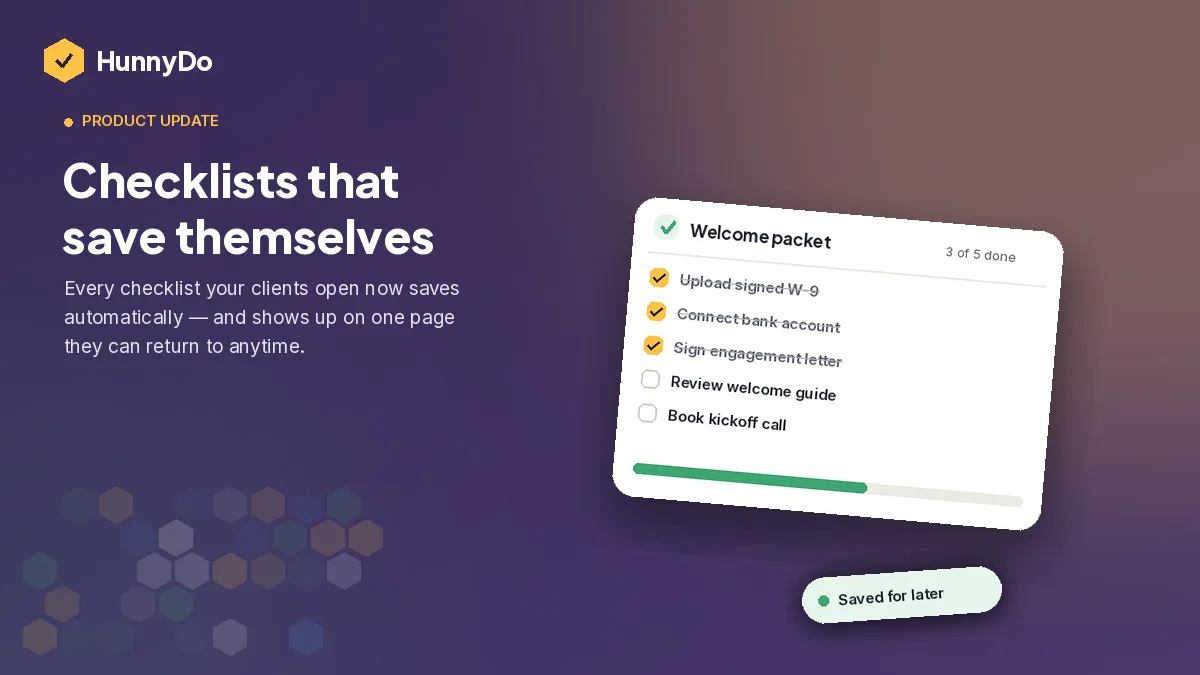
We had so much fun creating checklists for one or two people, that we decided why not more? One checklist is great for getting your partner to do the dishes and take out the trash, but what if you need multiple people to cross of TODO’s for you? Today we’re launching Projects — the workspace HunnyDo needed for the next stage of checklist management.
If you’re a mortgage broker juggling a dozen files at once, a law firm coordinating associates and clients on the same matter, an agency running onboarding across an account team, or just someone who’s outgrown a single checklist, Projects is built for you.
Here’s what’s live.
Bring in the whole team — clients and colleagues
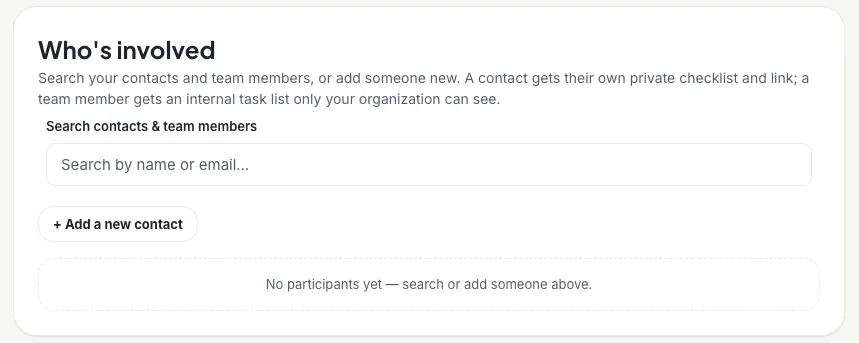
Projects supports two kinds of people: your internal team and your external clients. Add both to a project, and everyone sees the same source of truth, no more parallel email threads or a shared folder that’s out of sync with the actual checklist.
Assign tasks to the right person
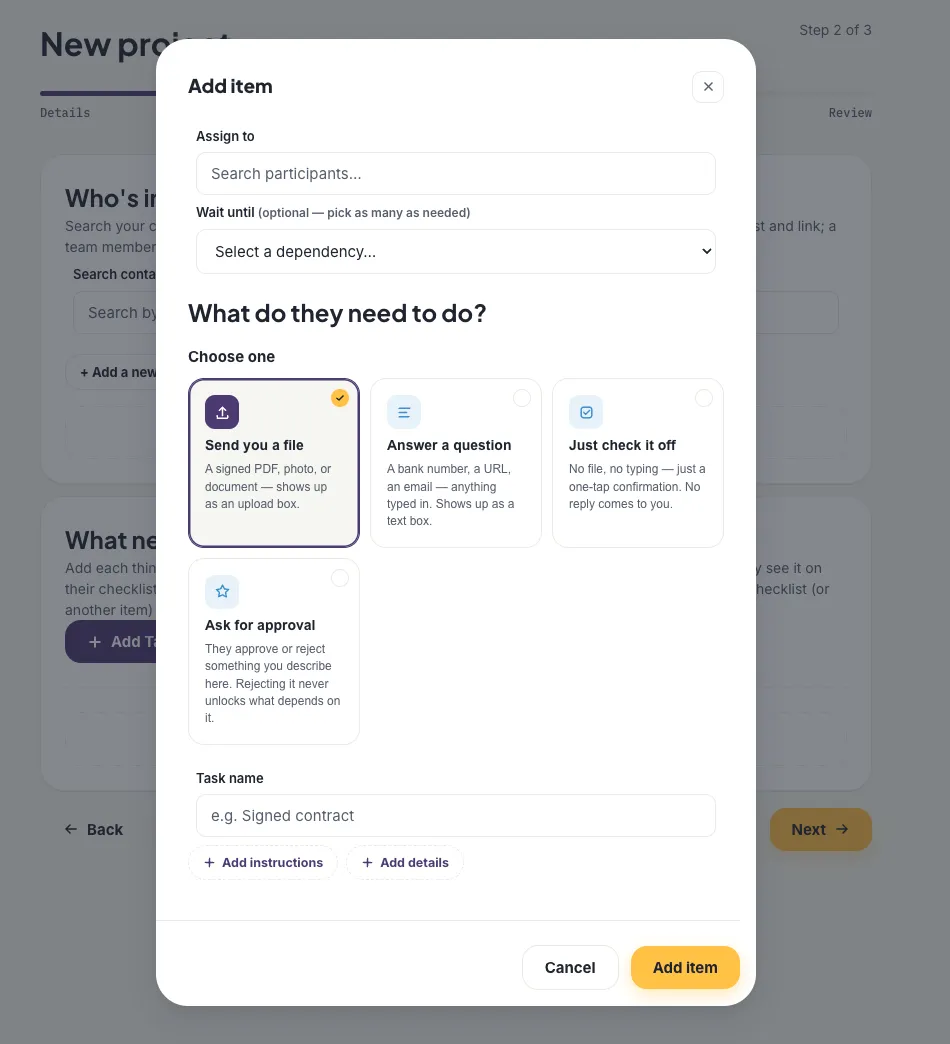
Every task in a project can be assigned to a specific person, internal or external. Nothing sits in a shared inbox waiting for someone to notice it. People see exactly what’s theirs, and you can see exactly who owns what across the whole project at a glance.
Set dependencies, so tasks unlock in order
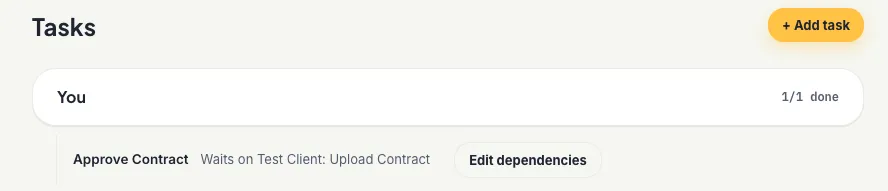
Some work genuinely can’t start until something else finishes — you can’t review a signed contract before it’s signed. Projects lets you set task dependencies directly, so downstream tasks stay locked until the tasks ahead of them are done. No more explaining the order in a cover email and hoping it’s followed.
Keep documents current with revisions
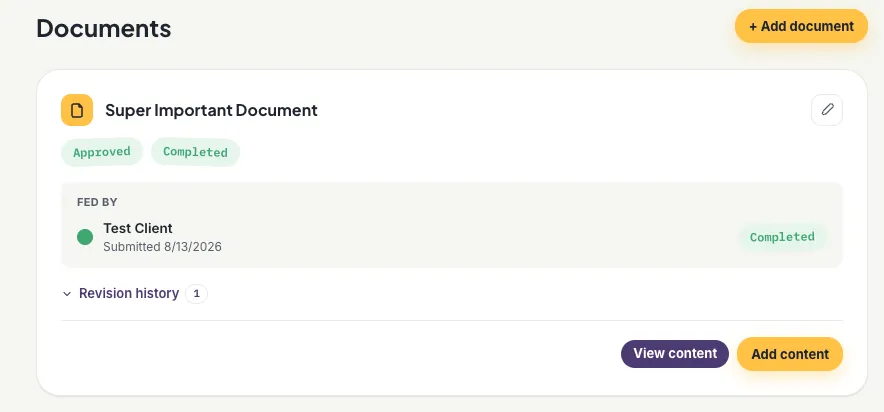
Projects can now hold documents that the whole team references throughout an engagement: a checklist template, a client agreement, a set of instructions. When something changes, upload a new revision instead of starting a new thread or overwriting the only copy. Everyone’s always looking at the latest version, and you can see what changed and when.
Try it
Projects is live now for every HunnyDo account. Create your first project →
We built this because a lot of you told us the same thing: the work outgrew the checklist, but the checklist is still where the work happens best. Projects keeps that, just at the scale you’re actually running at.
Got feedback? Comment on this post or reach out — we read everything.